
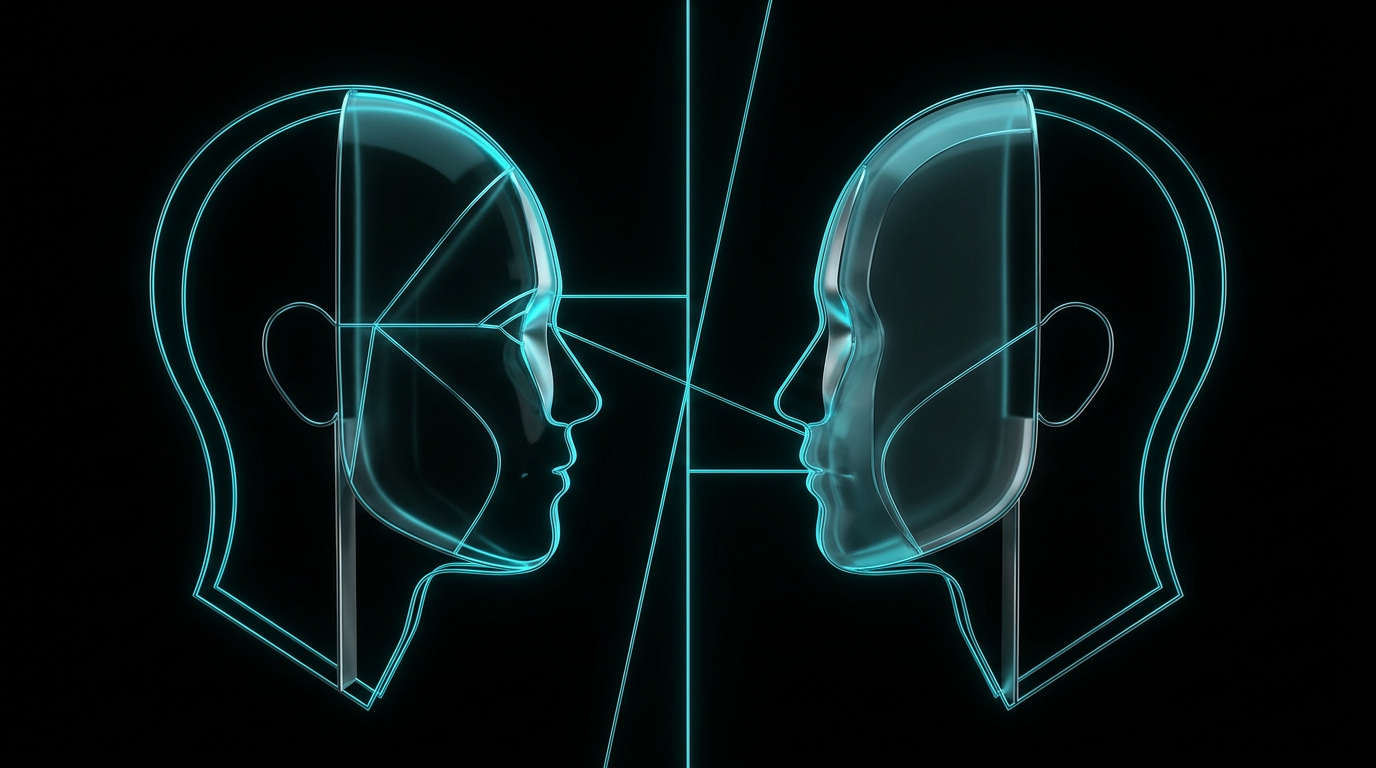
To learn how to prompt two different people in the same AI generator, you must separate their descriptions clearly and assign them specific positions in the frame. Most image generators get confused when you describe multiple people in a single paragraph, resulting in blended features. By assigning distinct roles, locations, and clothing to each person, you can force the AI to render two separate characters.
It is incredibly frustrating to ask an AI for a business meeting between an older mentor and a young student, only to get two identical twins staring back at you. The AI often bleeds the hair color, age, and clothing of one character onto the other, ruining your creative vision.
Why does the AI mix up two different people?
AI image generators process your entire prompt as a single bag of words rather than a logical sequence. Because the generator does not naturally understand grammar rules, it struggles to connect specific adjectives to specific subjects when multiple people are present. If you write a prompt with a tall doctor and a short patient, the AI might easily create a short doctor and a tall patient. This happens because the attributes bleed together in the latent space of the generator.
When an image generator reads a prompt, it does not read from left to right like a human does. Instead, it looks for semantic relationships between all the words in the sentence. When it sees terms like young, old, blue shirt, and red jacket in the same prompt, it associates all of those terms with the concept of people in the image. Without strict boundaries, the AI simply blends these elements together, resulting in two characters who look like twins or who share the same clothing colors.
How to prompt two different people in one frame
To successfully prompt two different people in one frame, you must divide your description into clear compartments. Start by defining the composition and setting the scene, then describe the first person, and finally describe the second person using distinct spatial markers like on the left and on the right. By physically separating their descriptions and placing them on opposite sides of the frame, you prevent the generator from blending their physical traits together.
To make this process easy to remember, you can break your visual down into seven describable parts. This structured approach ensures that you give the AI all the details it needs without confusing the algorithm.
First, the subject defines who the people are and what they are doing. This should be as specific as possible, using distinct professions or roles.
Second, the composition outlines where the people are in relation to each other and the camera. You must decide if they are standing side by side, facing each other, or if one is in the foreground.
Third, the lighting sets the mood and illuminates the subjects. You can specify a single light source coming from one side to help define the physical space.
Fourth, the camera details specify the shot type, such as a medium shot or wide shot, and the angle of the lens.
Fifth, the mood defines the emotional tone of the scene, whether it is serious, cheerful, or tense.
Sixth, the style tells the AI whether the image should look like a realistic photograph, a painting, or a sketch.
Seventh, the constraints tell the AI what to avoid, such as preventing any eye contact or avoiding bright colors.
The secret of spatial division
Spatial division means using directional words to anchor each character to a specific part of the image canvas. Words like on the left side of the frame, on the right side of the frame, in the foreground, and in the background act as physical boundaries for the AI. When you explicitly tell the generator where each person stands, it can allocate different clusters of pixels to each character.
Without these directional anchors, the AI will default to blending. For example, if you ask for a blonde woman and a dark haired man, placing the woman on the left and the man on the right forces the AI to process those areas separately. This simple trick is the most reliable way to maintain character identity.
You should also use action words that reinforce this division. For example, you can write that the person on the left is holding a laptop, while the person on the right is writing on a notepad. These unique actions give the AI distinct visual tasks for each side of the image, which further prevents the two subjects from sharing features.
Before and after prompt examples
A direct comparison of a weak, blended prompt and a structured, separated prompt shows exactly how spatial division works. By looking at these two examples, you can see how adding structure completely changes how the AI interprets the two characters.
Here is an example of a typical weak prompt that results in blended features, followed by a stronger, structured prompt that clearly separates the two subjects.
Weak prompt
A high quality photo of a young female software engineer and an old male doctor talking in a modern office, one has brown hair and the other has white hair, wearing glasses, cinematic lighting.
Stronger prompt
A crisp editorial photograph of two distinct people in a modern office, medium shot, eye level camera. On the left side of the frame, a young female software engineer with long brown hair and no glasses, looking toward the right. On the right side of the frame, an elderly male doctor with short white hair and wire rimmed glasses, looking toward the left. Warm natural light coming from a large window on the left side, soft shadows, clean corporate mood, realistic skin textures.
By specifying who is on the left and who is on the right, you give the AI a clear blueprint. The AI no longer has to guess which person should have white hair or who should be wearing the glasses.
A reusable checklist for multi-person prompts
A structured approach is the easiest way to ensure your image prompts work on the first try. Here is a handy checklist you can run through before generating your next image.
- Establish the camera and composition first: Start with the overall shot type, such as medium shot or wide shot.
- Assign clear locations: Use words like on the left and on the right to position each subject.
- Describe one person at a time: Finish the entire description of the first person before starting the second.
- Use contrasting clothing and colors: Give them different colors to prevent color bleeding.
- Specify their interactions: Clearly state if they are looking at each other or facing away.
- Simplify the environment: Keep the background simple so it does not distract from the subjects.
How to solve complex prompting challenges
Generating complex scenes with multiple characters can require a lot of trial and error. If you want to skip the frustration, using a structured tool to build your prompts is the most efficient solution. You can use a dedicated subscription tool like The Prompt Engineer to ask you for the details that are missing from your initial idea, such as the exact composition, lighting, and style. The tool then returns a structured, copy-and-paste prompt that you can use in your favorite AI image generator.
Rather than guessing which terms will prevent the AI from blending your characters, you can let a system design the prompt structure for you. This allows you to focus on your creative vision while the tool handles the technical formatting.
"To make an AI see two different people, you must first teach it how to divide the canvas."
Common questions
Many creators face the same hurdles when attempting to render multiple subjects in a single image. Here are the answers to the most common questions about handling these complex prompts.
Why does the AI give both people the same clothes?
This happens because of a phenomenon called attribute leakage, where descriptions bleed across the entire prompt. To stop this, describe the clothing of the person on the left using highly specific colors, then use completely contrasting colors for the person on the right. Keeping their styles visually distinct helps the generator keep them separate.
Can I prompt three or more people using this method?
Yes, but it becomes significantly harder as you add more subjects to the frame. For three people, you should divide the canvas into left, center, and right zones. Keep in mind that most generators start to struggle with physical accuracy once you exceed two distinct characters in a single prompt.
How do I stop the AI from merging their faces?
Merging faces usually occurs when you do not specify individual ethnicities, ages, or genders clearly. Make sure you give each person a highly distinct face shape, age bracket, and facial expression. Placing them in active conversation where they look at each other rather than at the camera also helps keep their facial features distinct.
The short version
Creating distinct characters in a single AI image comes down to clear structure and spatial separation. Here is a quick summary of the key strategies discussed in this guide.
- Divide the canvas: Always use directional words like left and right to anchor your characters.
- Describe them sequentially: Complete the description of the first person before you begin describing the second.
- Use visual contrast: Give each person different hair colors, ages, and clothing to prevent attribute bleeding.
- Simplify the environment: A busy background makes it harder for the AI to keep the subjects separate.
Related reading
- How to Edit Just One Part of an AI-Generated Image: Stop regenerating the entire image. Learn how to isolate subjects, match styles, and edit single parts of your AI art with precision.
- Image Prompts vs Video Prompts: What's Different?: Learn how to turn static image descriptions into dynamic, high-quality video prompts that control motion, lighting, and camera work.
- How to Get the Right Aspect Ratio and Framing From AI: Stop letting AI crop your images awkwardly. Learn how to control canvas shape and camera framing using clear, structured prompts.
- How to Describe Lighting in AI Image Prompts: Stop settling for flat, artificial-looking renders. Use these structured lighting techniques to bring depth and mood to your AI images.
- Best AI Image Prompts: Structure, Examples and Fixes: Learn the visual formula behind the best AI image prompts, with practical before-and-after examples and fixes for common mistakes.