
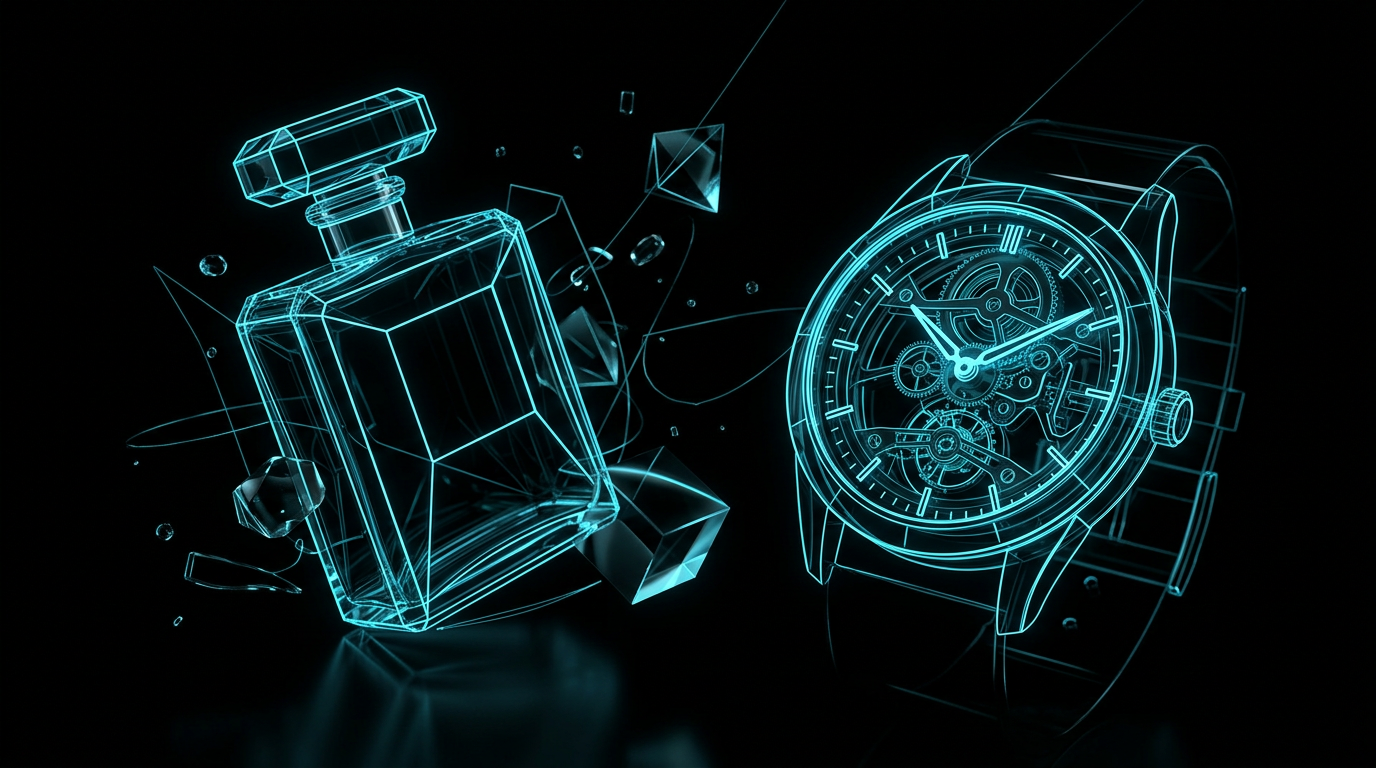
To write an effective ai luxury product photo prompt, you must describe the exact physical materials, studio lighting, camera settings, and a minimalist background composition. High-end product photography relies on clean scenes, soft diffuse shadows, and premium textures like marble, concrete, or polished wood rather than busy backgrounds. By structuring these details in a clear list, you can guide AI image tools to create elegant, professional assets for your brand.
Many business owners try to generate product photos only to get messy backgrounds, plastic textures, and distorted shapes. It is incredibly frustrating to spend hours typing prompts and watching the generator output images that look cheap, artificial, or cluttered.
What makes an ai luxury product photo prompt work?
A great luxury product prompt succeeds by describing the physical atmosphere and materials rather than just asking for a high-quality image. AI generators do not understand abstract concepts like luxury, so you must describe the concrete elements that create a premium feel. This means focusing on soft shadows, clean surfaces, and realistic camera depths of field.
To get a premium result, you must avoid generic buzzwords. Instead of writing phrases like highly detailed, photorealistic, or 8k, you should describe the physical properties of the scene. Mention the exact type of stone, the direction of the light, and the type of camera lens. This gives the AI clear patterns to match, which results in a much cleaner, more elegant final image.
Breaking down the parts of a luxury image prompt
To build a reliable prompt, you should break the visual scene down into several distinct parts. This structured approach ensures you do not leave any important visual details to chance.
Here are the key parts you need to define:
- The Subject: State exactly what the product is, including its shape, material, and color. For example, a frosted glass perfume bottle with a matte black cap. Do not use generic terms because the AI needs physical details to draw.
- The Composition: Explain where the product sits in the frame. Is it centered, off-center, or resting on a specific surface? An off-center composition usually feels more artistic and premium.
- The Materials and Textures: Describe the supporting surfaces. Use premium textures like travertine stone, brushed titanium, raw silk, or dark walnut wood.
- The Lighting: This is the most critical element for a premium look. Specify soft side lighting, diffused studio lights, or subtle backlighting to create gentle, realistic shadows.
- The Camera Settings: Use real photography terms to guide the AI. Mentioning a macro lens, a shallow depth of field, or an 85mm lens will help create a natural blur in the background.
- The Mood and Color Palette: Keep the colors limited and intentional. Earth tones, monochromatic shades, or deep jewel tones work best for high-end goods.
- Constraints: Tell the AI what to exclude. You can ask it to avoid busy patterns, bright neon colors, or distracting elements in the background.
Before and after examples for high-end products
Seeing the difference between a vague description and a structured instruction shows why specific details matter. When you give the AI precise directions, the quality of the render increases dramatically.
Let us look at a common example of how to improve a basic idea.
Weak prompt
A luxury watch on a nice background, very expensive looking, 8k, photorealistic, elegant lighting.
Stronger prompt
Commercial product photography of a minimalist silver wristwatch with a brown leather band. The watch is placed off-center on a smooth, dark grey slate tile. Soft side-lighting from the left creates a gentle gradient shadow to the right. Macro lens, 85mm, shallow depth of field with a clean, out-of-focus background. Elegant, quiet, neutral color palette of grey, silver, and charcoal.
Notice how the stronger prompt does not use empty words. Instead, it uses concrete terms like soft side-lighting and shallow depth of field to create the exact mood you want. This gives the generator a clear map to follow.
How to write an ai luxury product photo prompt for your brand
Writing these prompts consistently takes practice, but you do not have to guess what details to include. You can use a structured template every time you need a new asset for your shop or social media feed.
If you are unsure how to fill out these details, you can use an interactive tool to help. For example, The Prompt Engineer can ask you the exact questions needed to fill in your missing constraints, tone, and formatting before generating a perfect copy-and-paste prompt for your image generator.
True luxury in photography is defined by what you leave out, not what you pack into the frame.
Here is a checklist of elements you should always include in your prompt structure:
- Surface material: State whether the product sits on marble, concrete, linen, or wood.
- Light source: Define the light as soft, diffused, natural window light, or dramatic rim light.
- Camera angle: Specify eye-level, flat lay, or a low-angle shot looking up at the product.
- Background: Keep it simple, neutral, and slightly blurred to keep the focus on the product.
- Color harmony: Limit the scene to two or three matching colors.
Common questions
How do I stop the AI from warping my product logos?
AI image generators are excellent at textures and light, but they often struggle to render exact text or complex logos. The best approach is to prompt the AI to generate the product with a blank label or no logo at all. Once you have the perfect clean photo, you can easily add your actual vector logo using basic image editing software.
Which lighting styles look the most expensive?
Soft, diffused studio lighting and natural light coming from a single side window usually look the most expensive. Avoid harsh, direct sunlight or colored neon lights, which can make products look cheap or unnatural. Gentle gradients and soft shadows give the item weight and dimension.
What are the best background textures for luxury items?
The best background textures are natural, matte materials that do not reflect too much light. Travertine stone, sand, raw linen, matte concrete, and dark walnut wood are excellent choices. Avoid shiny plastics or highly reflective metals in the background, as they distract from the product itself.
The short version
- Focus on materials: Describe high-end textures like stone, linen, and brushed metals rather than using words like luxury.
- Control the light: Use soft, diffused, or side-lighting to create soft shadows that give the image depth.
- Specify camera details: Add photographic terms like shallow depth of field and 85mm lens to get a natural background blur.
- Keep it simple: A minimalist scene with a clean background will always look more premium than a cluttered one.
Related reading
- ChatGPT Prompts for Digital Product Creators: Learn how to write structured prompts that turn raw ideas into high-quality ebooks, courses, and digital products.
- How to Get More Consistent AI-Generated Images: Learn how to generate matching, cohesive visuals by breaking your image prompts into seven structured parts.
- How to Describe an Image to AI: A Simple 6-Part Formula: Stop guessing and wasting generations. Learn the exact technical layers you need to describe your vision to any AI image generator.
- Why AI Images Don't Look Like What You Imagined: Learn how to translate the vision in your head into specific camera, lighting, and composition terms that AI generators actually understand.
- How to Write Better AI Image Prompts: Learn how to write better AI image prompts by breaking your visual ideas down into simple, describable parts like lighting, mood, and composition.