
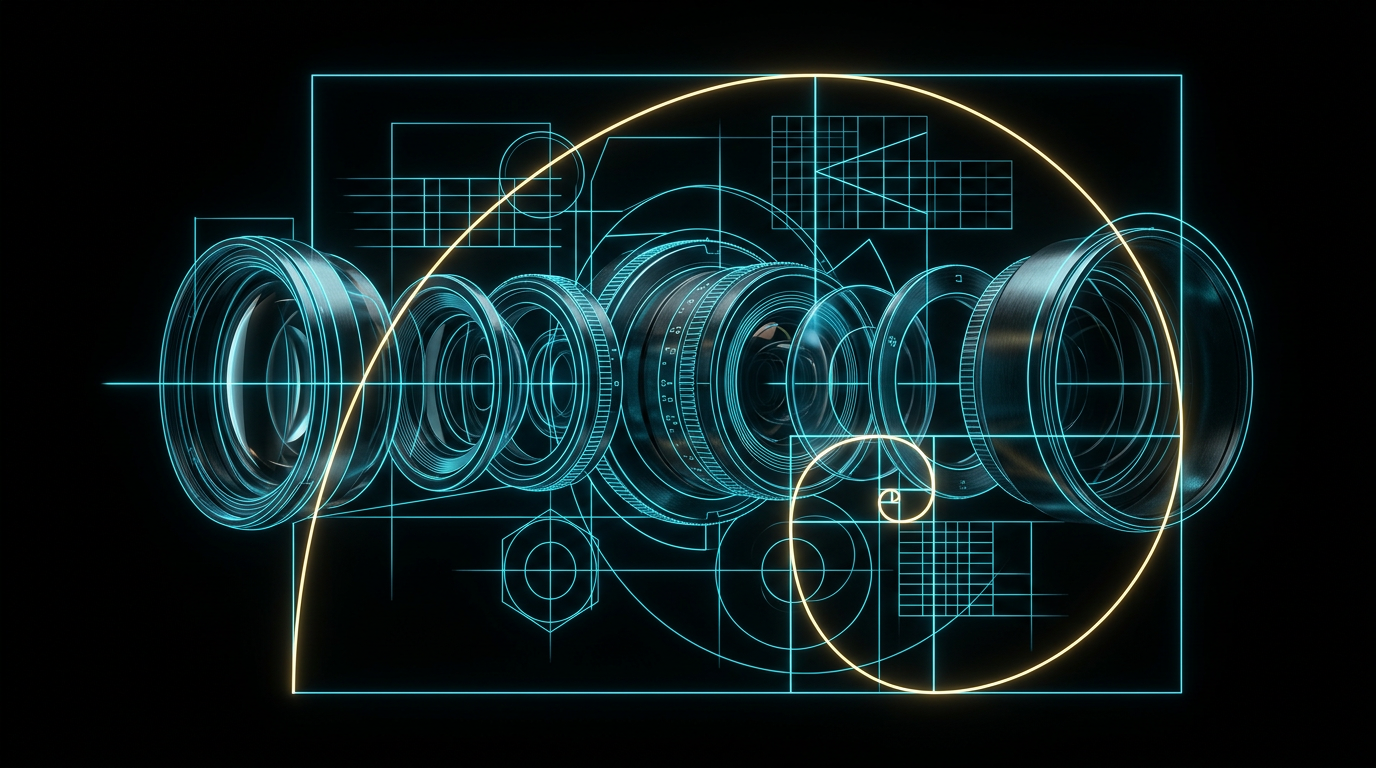
An ai image prompt formula is a structured blueprint that translates your mental image into specific, organized words that AI image generators can easily understand. By breaking your visual concept into distinct blocks like subject, composition, lighting, and style, you remove the guesswork and get highly predictable results. Using this method allows you to spend less time typing random descriptions and more time creating beautiful visual assets.
Many creators feel frustrated when they type a simple description and get back a chaotic, cartoonish, or completely inaccurate image. It is exhausting to run the same prompt dozens of times, hoping that the generator will randomly guess the specific layout, lighting, or look you actually want to achieve.
What is an ai image prompt formula?
An ai image prompt formula is a reliable template that ensures you give the generator all the visual clues it needs in the correct order. Instead of writing a long, rambling paragraph, you fill in specific slots like camera angle, lighting style, and background details to guide the rendering engine.
Most AI image generators pay the most attention to the words at the very beginning of your text. If you mix up your subject, camera gear, and artistic style in a random order, the system gets confused and prioritizes the wrong details. By using a standard formula, you place the most critical information first and layer in the styling details afterward. This organized approach works across almost all major image tools, saving you hours of wasted generation time.
The seven elements of the visual formula
To create a predictable image, you need to break down your vision into seven specific categories that the generator can translate. These categories are subject, composition, lighting, camera, mood, style, and constraints.
Let us look at how each of these elements functions in your day-to-day prompting:
- Subject: This is the main focus of your image, such as a person, an object, or a building. Be specific by naming the material, age, color, or action of your subject.
- Composition: This describes how your subject is positioned on the canvas. Use terms like 'centered', 'rule of thirds', 'close-up', or 'wide-angle view' to tell the generator where to place the camera.
- Lighting: Light defines the entire quality of the render. You can specify 'golden hour light', 'harsh midday sun', 'neon glow', or 'soft studio lighting' to set the right depth.
- Camera: If you want a realistic photo look, mention the camera style. Phrases like 'macro lens', '35mm film', or 'aerial drone shot' tell the tool how to render the final perspective.
- Mood: The mood determines the emotional tone of the final artwork. Words like 'serene', 'tense', 'nostalgic', or 'energetic' help guide the facial expressions and background atmosphere.
- Style: This defines the artistic medium. You might choose 'hyper-realistic photography', 'minimalist vector illustration', 'watercolor painting', or '3D clay model'.
- Constraints: These are things you want to avoid or limit. You can guide the main prompt by stating what to exclude, such as 'clean background with no clutter' or 'simple flat colors'.
Why prompt order matters for AI generators
The sequence of your words directly affects how much weight the artificial intelligence gives to each detail. AI models read prompts from left to right, meaning the first few words will always have the strongest influence on the overall composition.
If you put the artistic style at the very end of a two-hundred-word paragraph, the AI might ignore it entirely. Conversely, if you put the style at the very beginning, the generator will build the entire canvas around that medium. For the best results, always state your main subject and composition first, then follow up with lighting, camera details, and stylistic choices.
A before and after comparison
Seeing the difference between a vague description and a structured prompt shows you exactly why a formula is necessary. A weak prompt relies on the AI to make all the creative decisions, while a strong prompt gives clear directions.
Here is a practical comparison of how to transform a basic idea into a structured prompt using our formula.
Weak prompt
A coffee cup on a table in a cafe.
Stronger prompt
A close-up shot of a ceramic coffee cup with latte art, sitting on a dark rustic wooden table, soft morning sunlight streaming through a window, shallow depth of field, warm and cozy mood, realistic lifestyle photography.
The second prompt works because it does not leave the details to chance. It tells the tool the exact angle, the material of the cup, the type of table, the quality of the light, and the overall artistic style.
How to build your own prompts easily
Building your own prompts is a matter of filling in the blanks of your template before you open your generation tool. You do not need to be an expert in photography or art history to get high-quality results.
If you struggle to identify the missing pieces of your vision, you can use specialized tools to help. For instance, you can use The Prompt Engineer to ask you the right questions about your audience, goal, and visual style, which then outputs a structured, copy-and-paste prompt for your favorite image tool. This takes the guesswork out of the process and ensures you never forget to include critical elements like lighting or composition.
'An AI image tool cannot read your mind, but it can read a structured blueprint.'
Checklist for writing image prompts
You can use this simple checklist every time you prepare to generate a new image to ensure you have covered all the bases.
- Subject: Is the main actor or object clearly described?
- Composition: Have you specified the camera angle and framing?
- Lighting: Is the source, color, and intensity of the light defined?
- Camera: Did you mention a lens, camera type, or film stock for realism?
- Mood: Is there an emotional word to guide the atmosphere?
- Style: Have you clearly chosen photography, illustration, or painting?
- Background: Is the setting behind the subject defined?
Common questions
Why does my AI image look blurry or low quality?
This usually happens because the prompt lacks specific camera, lighting, or style details. Adding terms like 'sharp focus', '35mm photography', or 'studio lighting' tells the generator to render clean, high-resolution details instead of a soft, painterly look.
Do I need to use complex camera terms to get a good photo style?
No, you do not need a degree in photography to get great results. Using simple, common terms like 'close-up', 'macro lens', or 'portrait lighting' is more than enough to guide the AI model effectively.
What should I do if the AI keeps ignoring a specific part of my prompt?
If a detail is being ignored, try moving it closer to the very beginning of your prompt. You can also try removing conflicting words, as too many adjectives can dilute the focus of the generator.
Can I use the same formula for illustrations and paintings?
Yes, this formula works perfectly for non-photographic styles. You simply swap out the camera terms for artistic mediums, such as 'watercolor paper texture', 'flat vector illustration', or 'oil painting canvas'.
The short version
- An image prompt formula organizes your ideas into a predictable template.
- Always put your main subject and composition at the very beginning of the prompt.
- Include details for lighting, camera style, mood, and background to guide the render.
- Avoid long, rambling sentences and use clear, descriptive comma-separated phrases instead.
Related reading
- How to Describe an Image to AI: A Simple 6-Part Formula: Stop guessing and wasting generations. Learn the exact technical layers you need to describe your vision to any AI image generator.
- How to Write Better AI Image Prompts: Learn how to write better AI image prompts by breaking your visual ideas down into simple, describable parts like lighting, mood, and composition.
- AI Image Prompts That Actually Work (Structure, Not Magic Words): How to describe subject, style, lighting, composition and constraints so the image matches what is in your head.
- How to Talk to ChatGPT If You're a Complete Beginner: Learn the simple, everyday rules for writing clear AI prompts that actually get you the results you want.
- Prompt Engineering for Beginners: What It Actually Means: No jargon, no courses. What prompt engineering really is, why it works, and the handful of habits that matter.